








Description
Verdict Summary
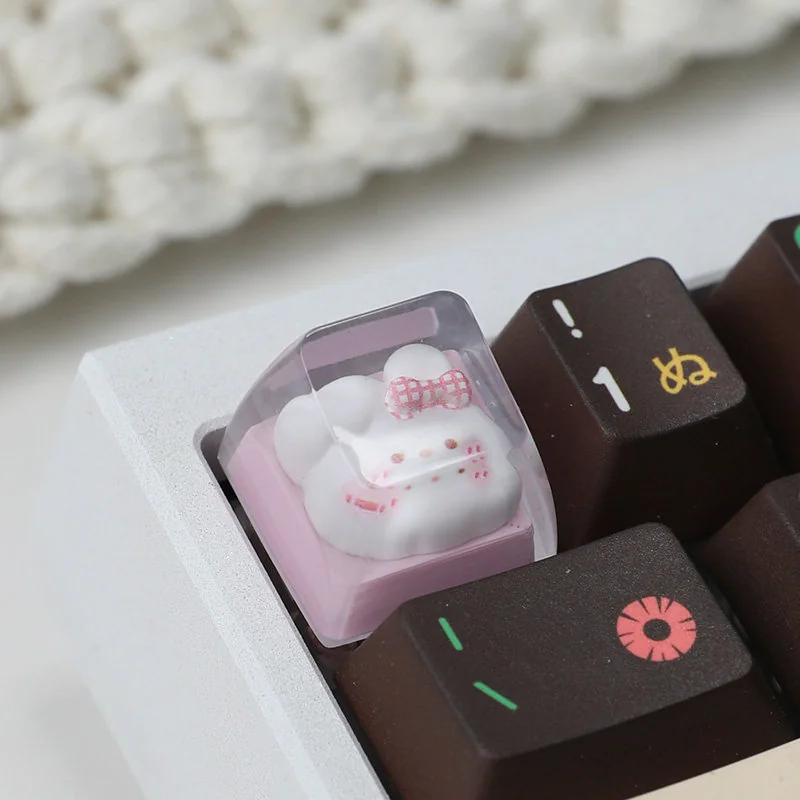
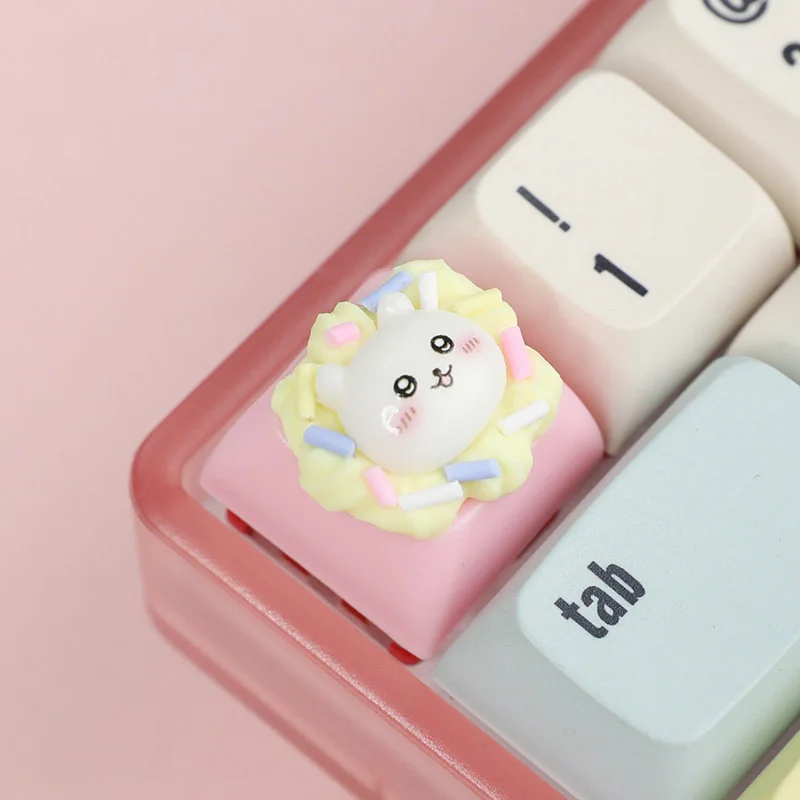
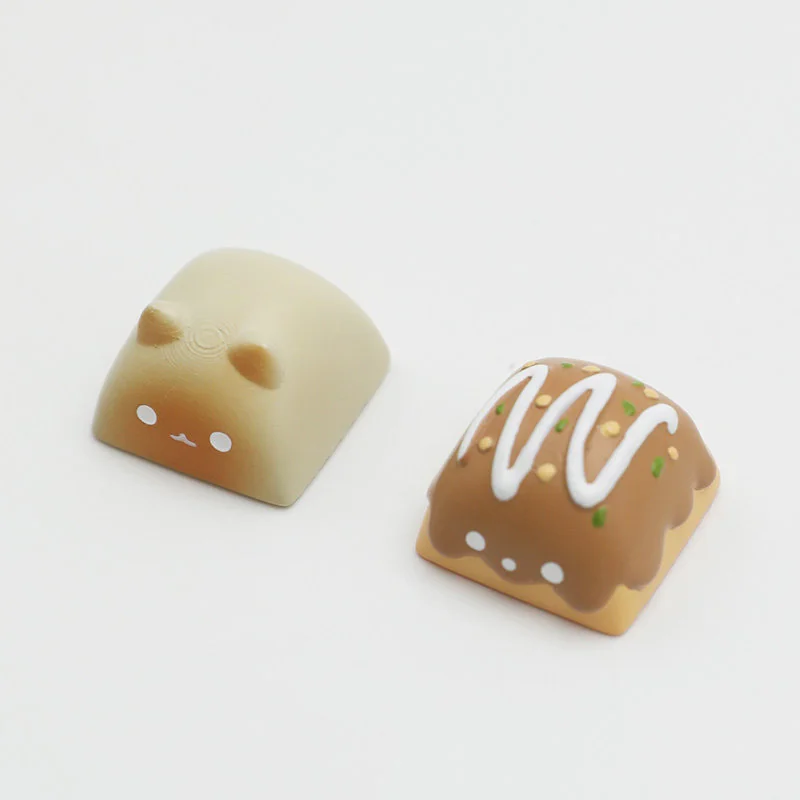
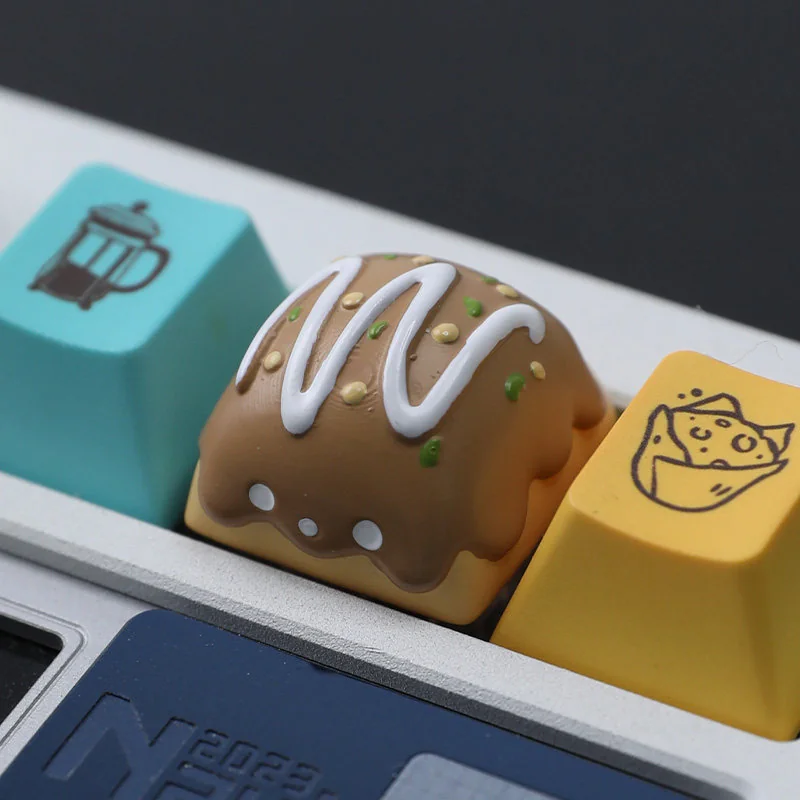
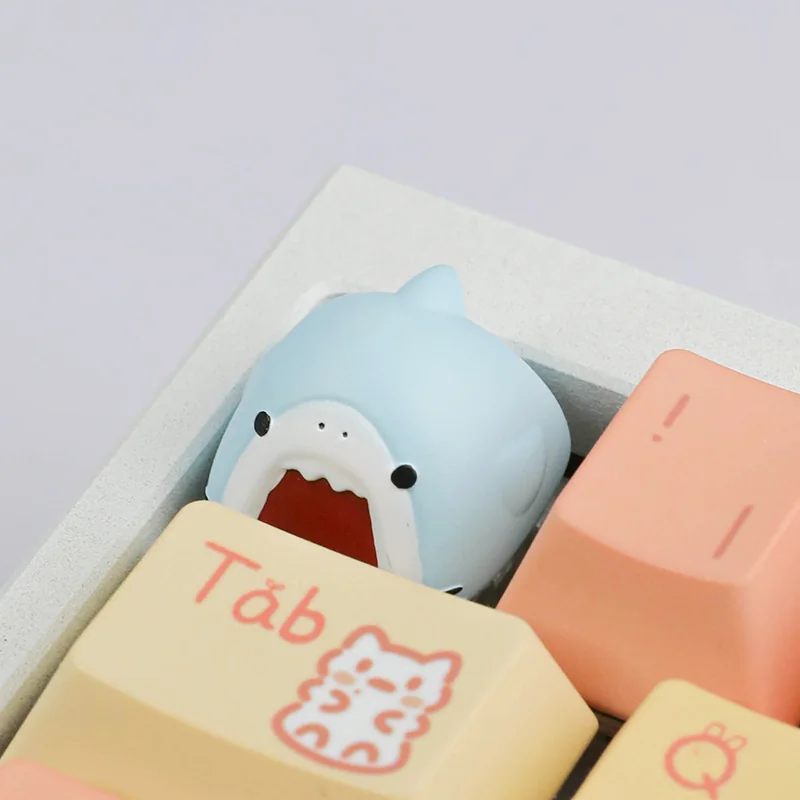
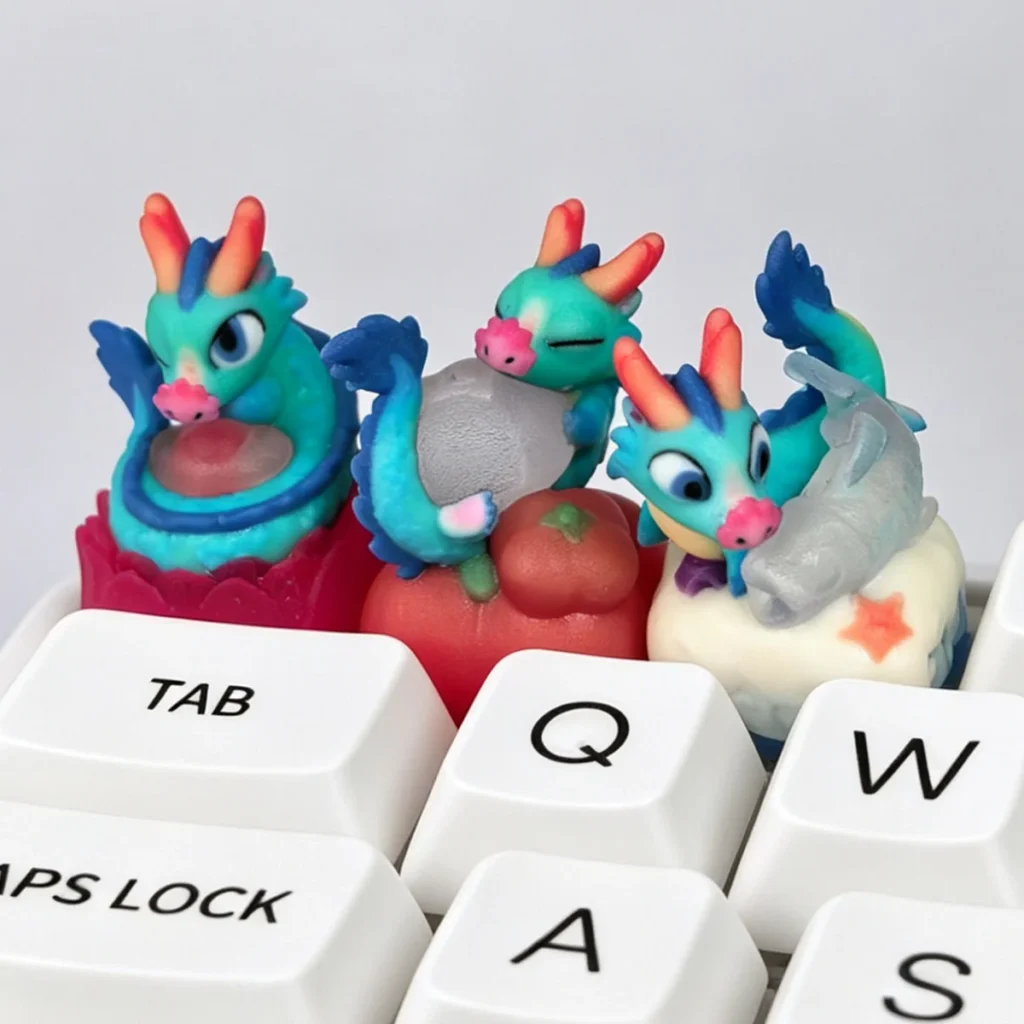
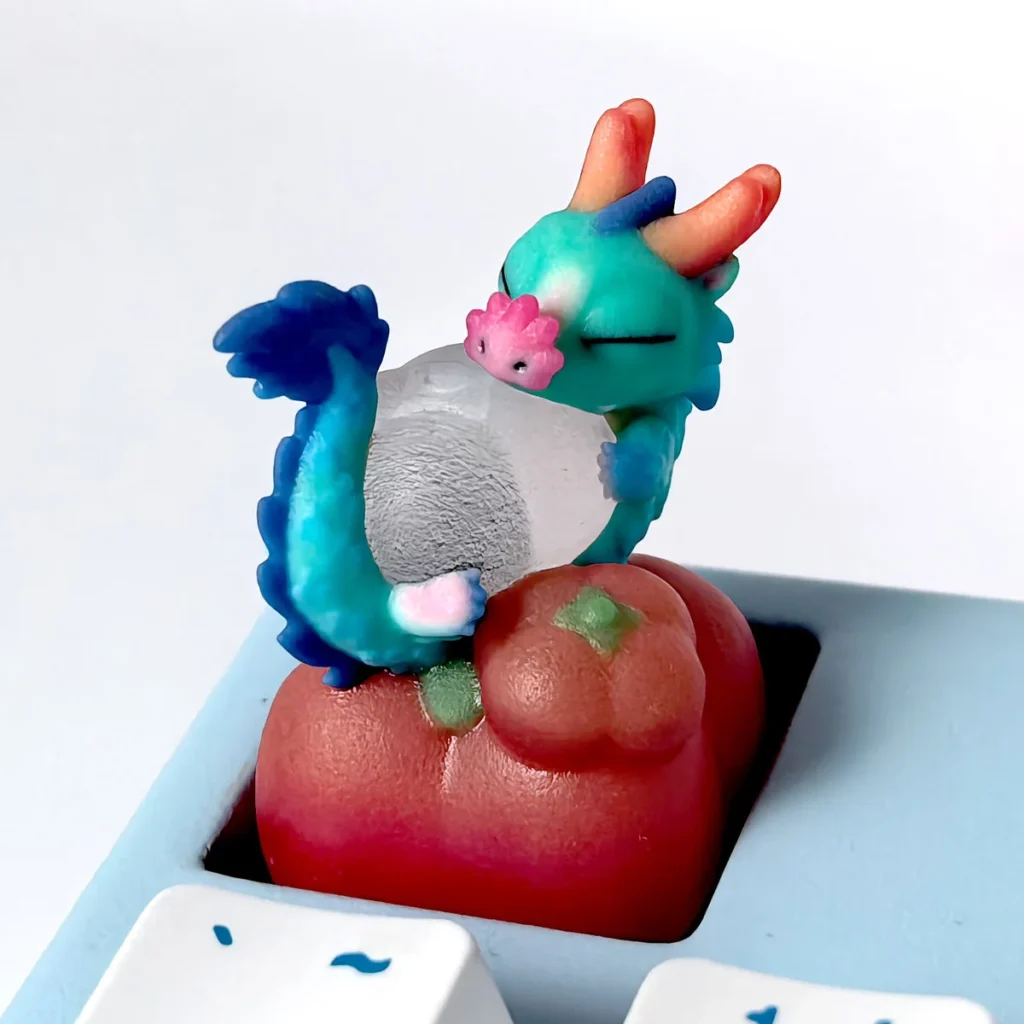
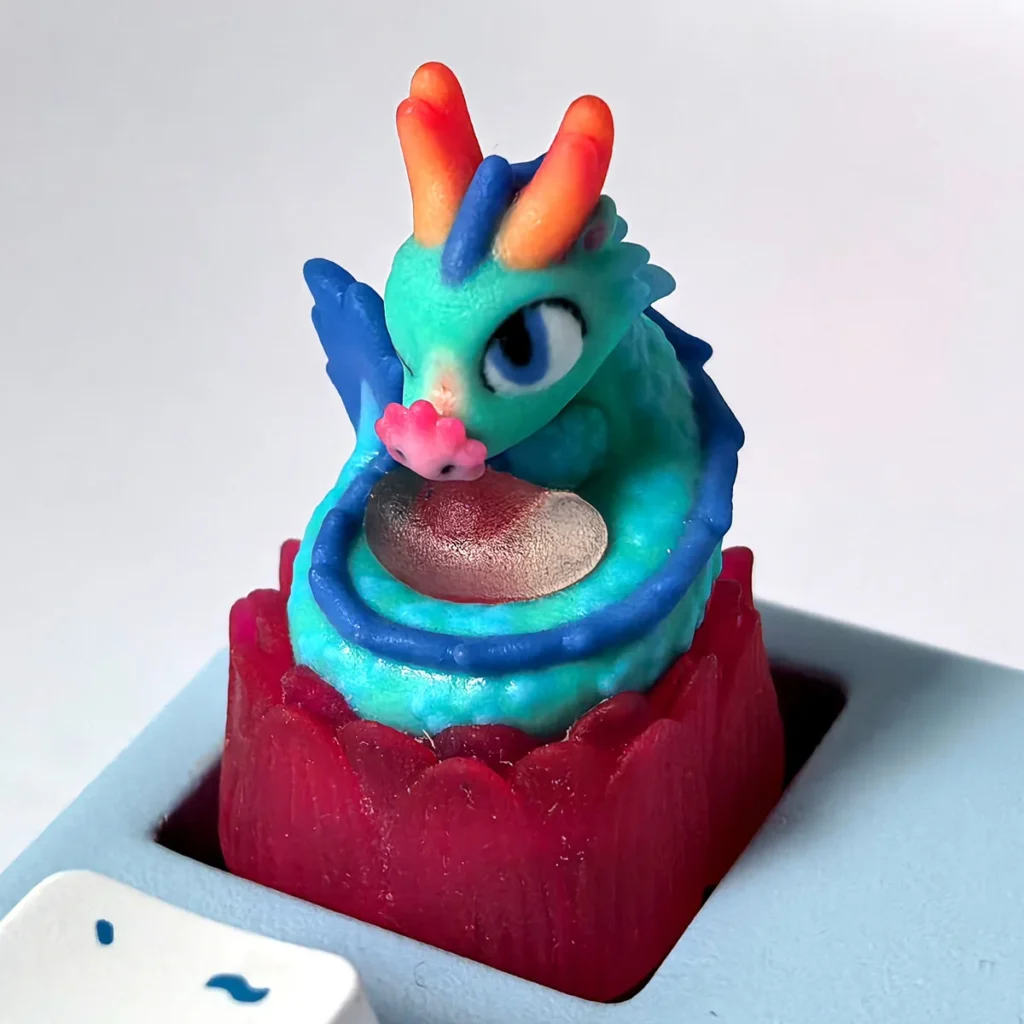
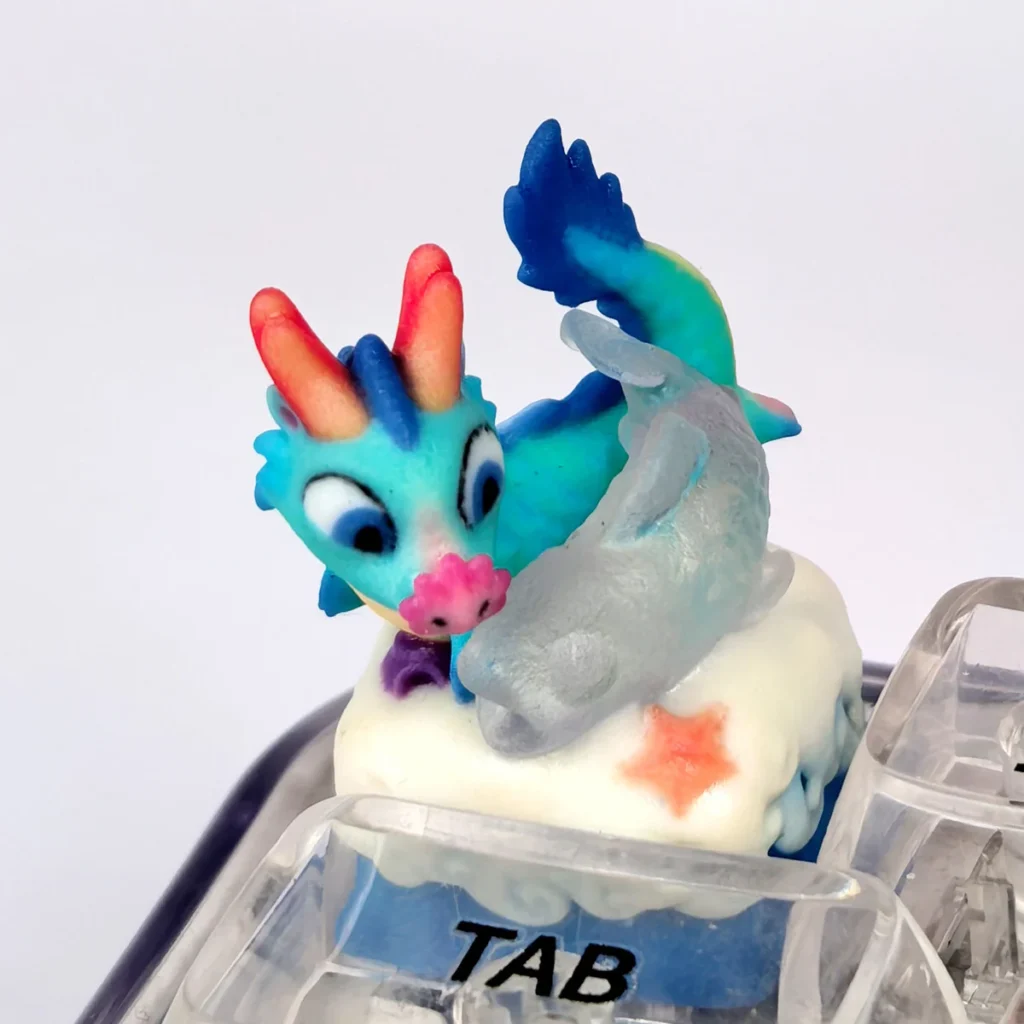
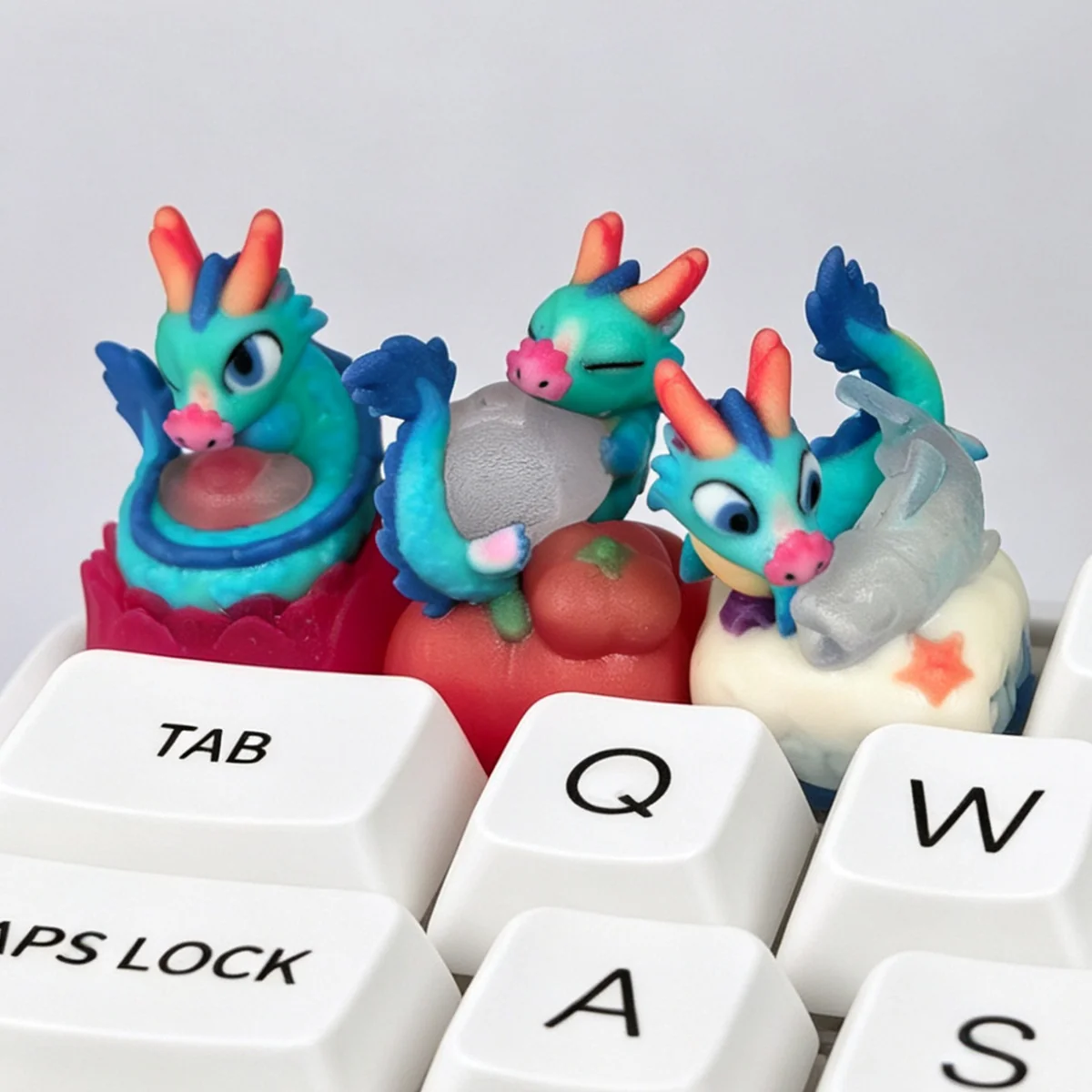
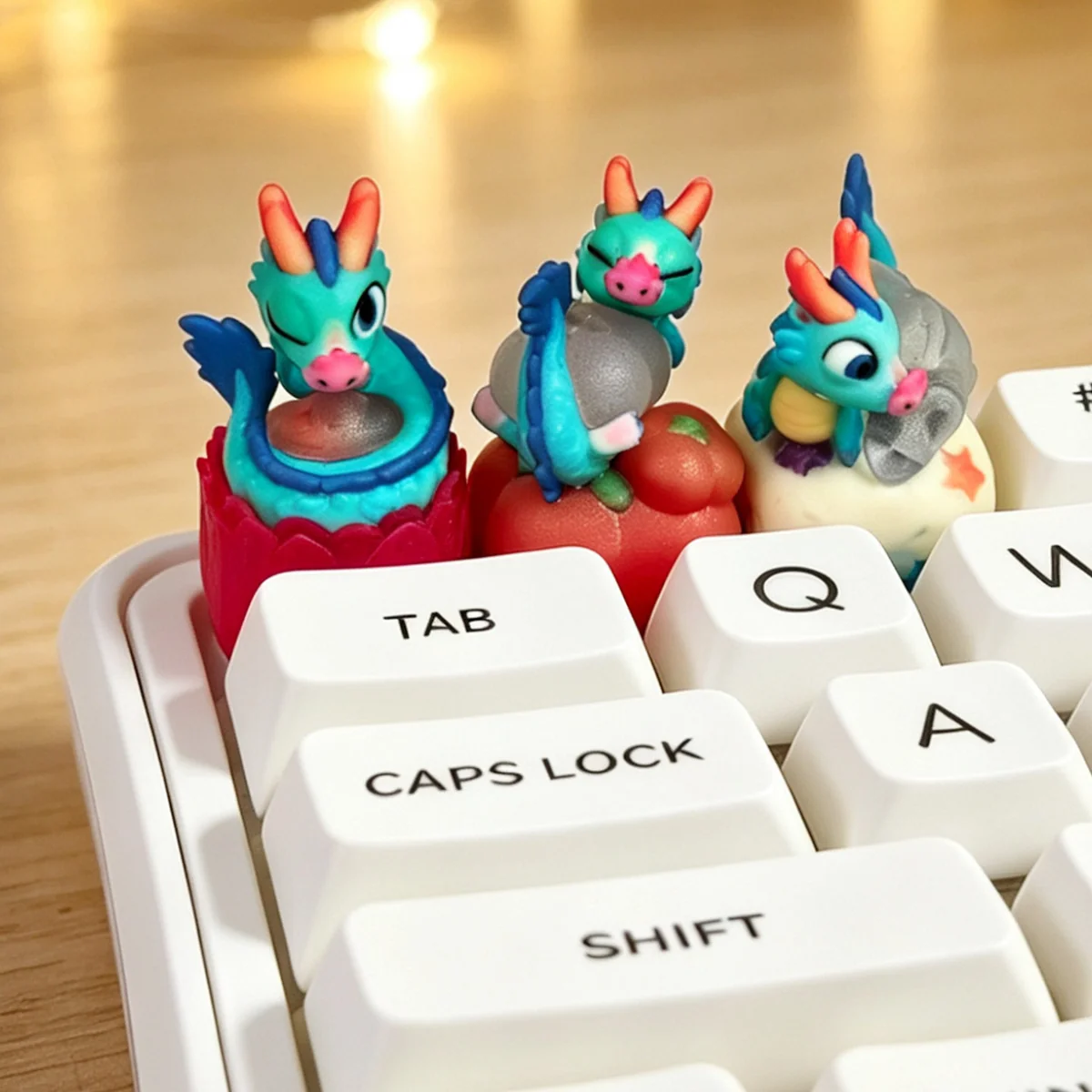
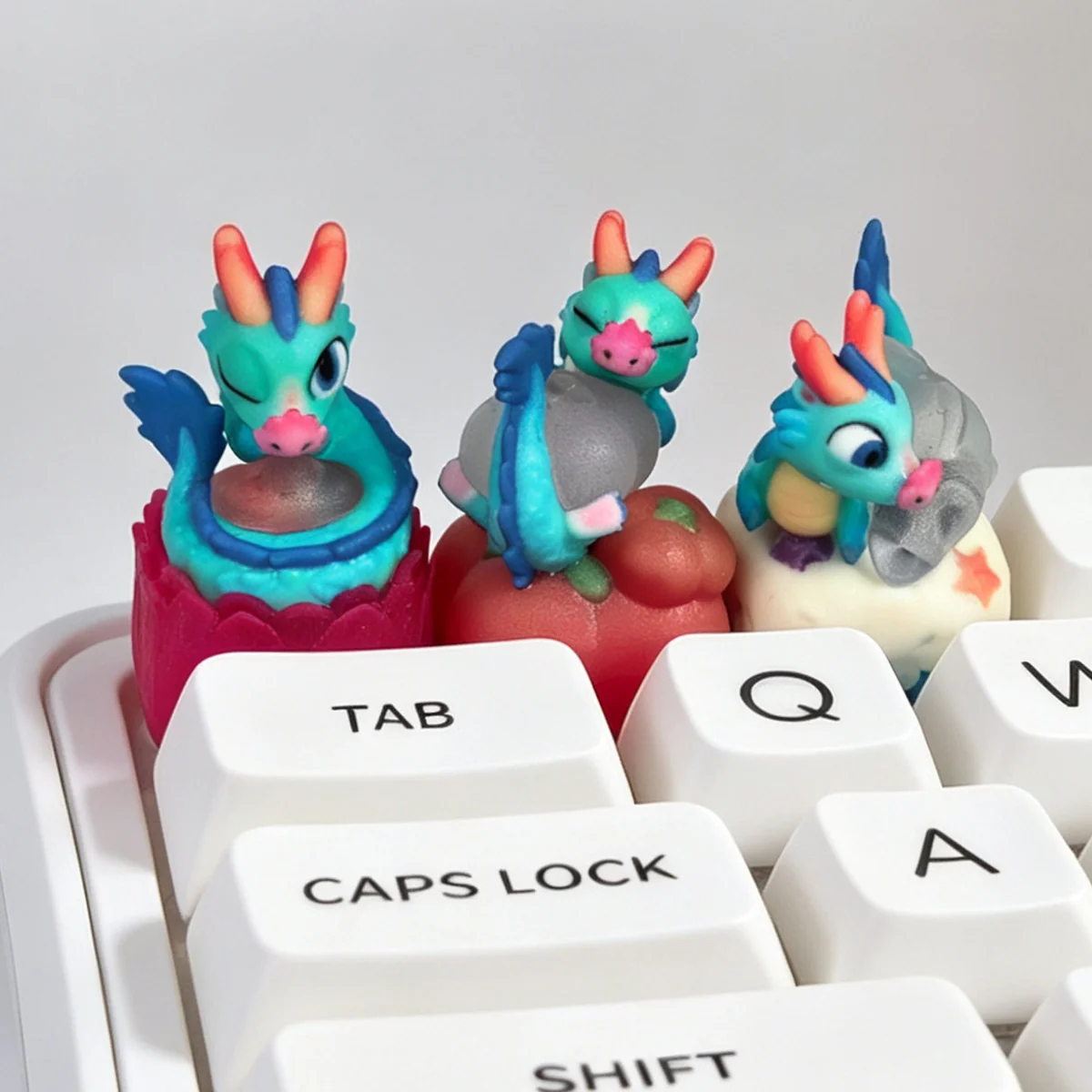
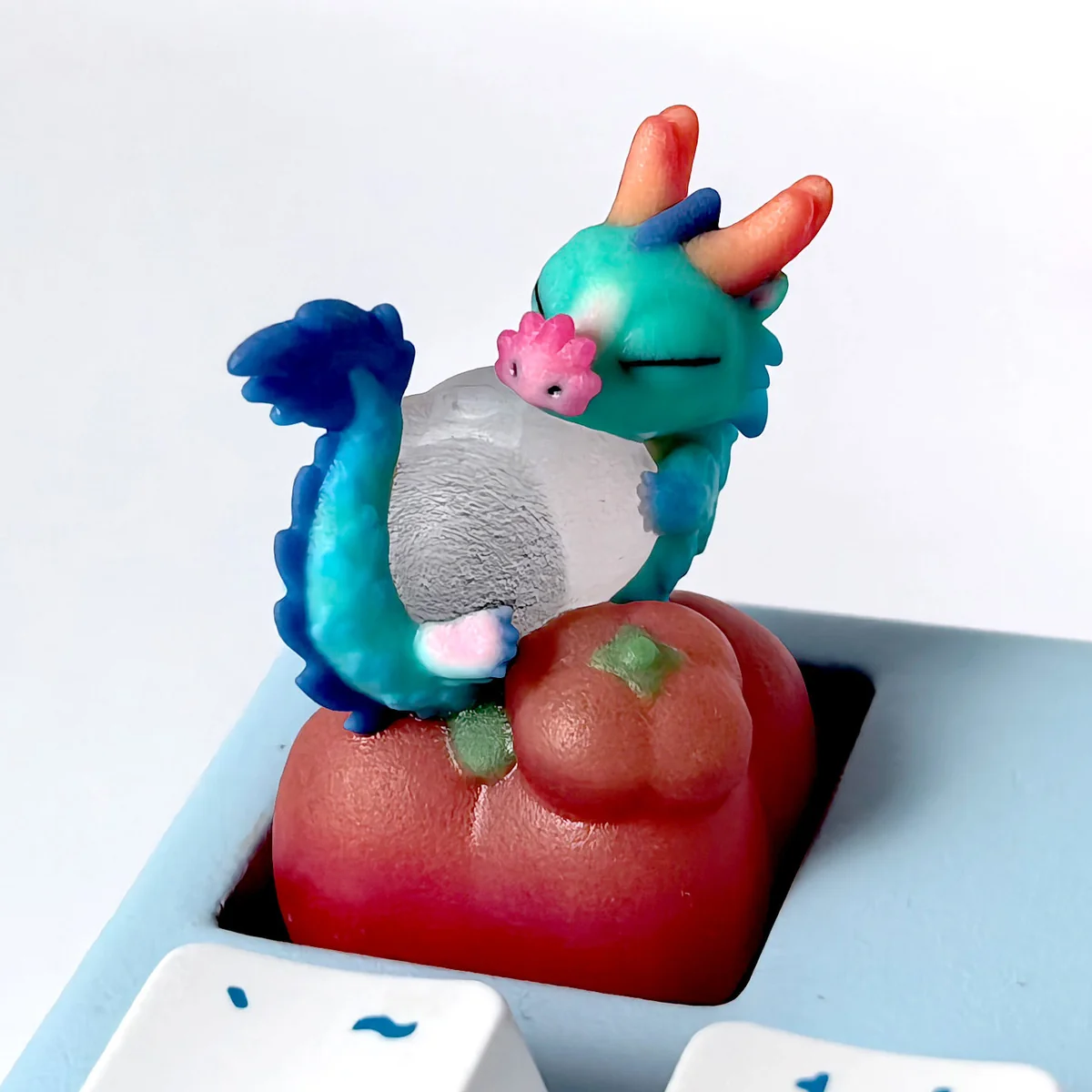
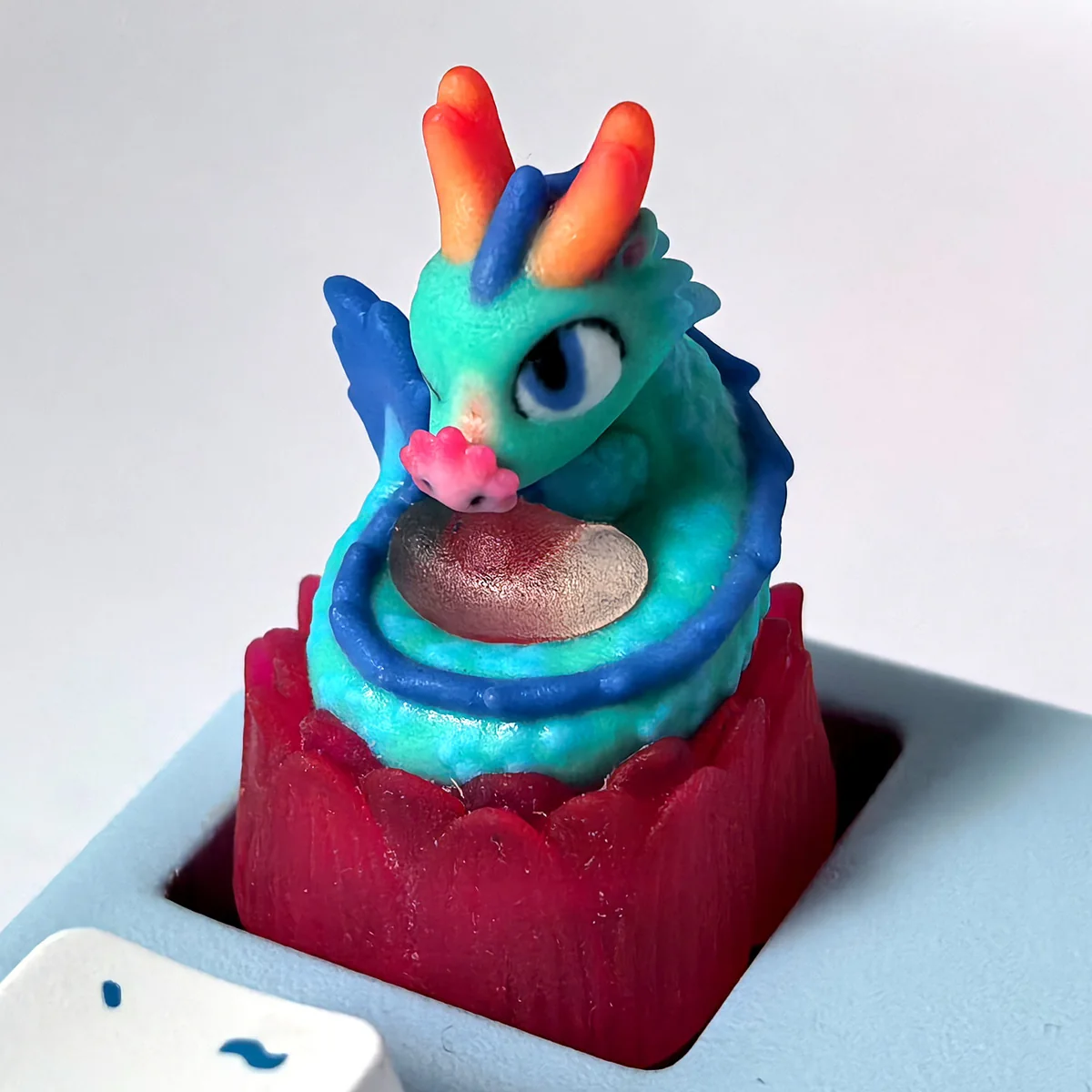
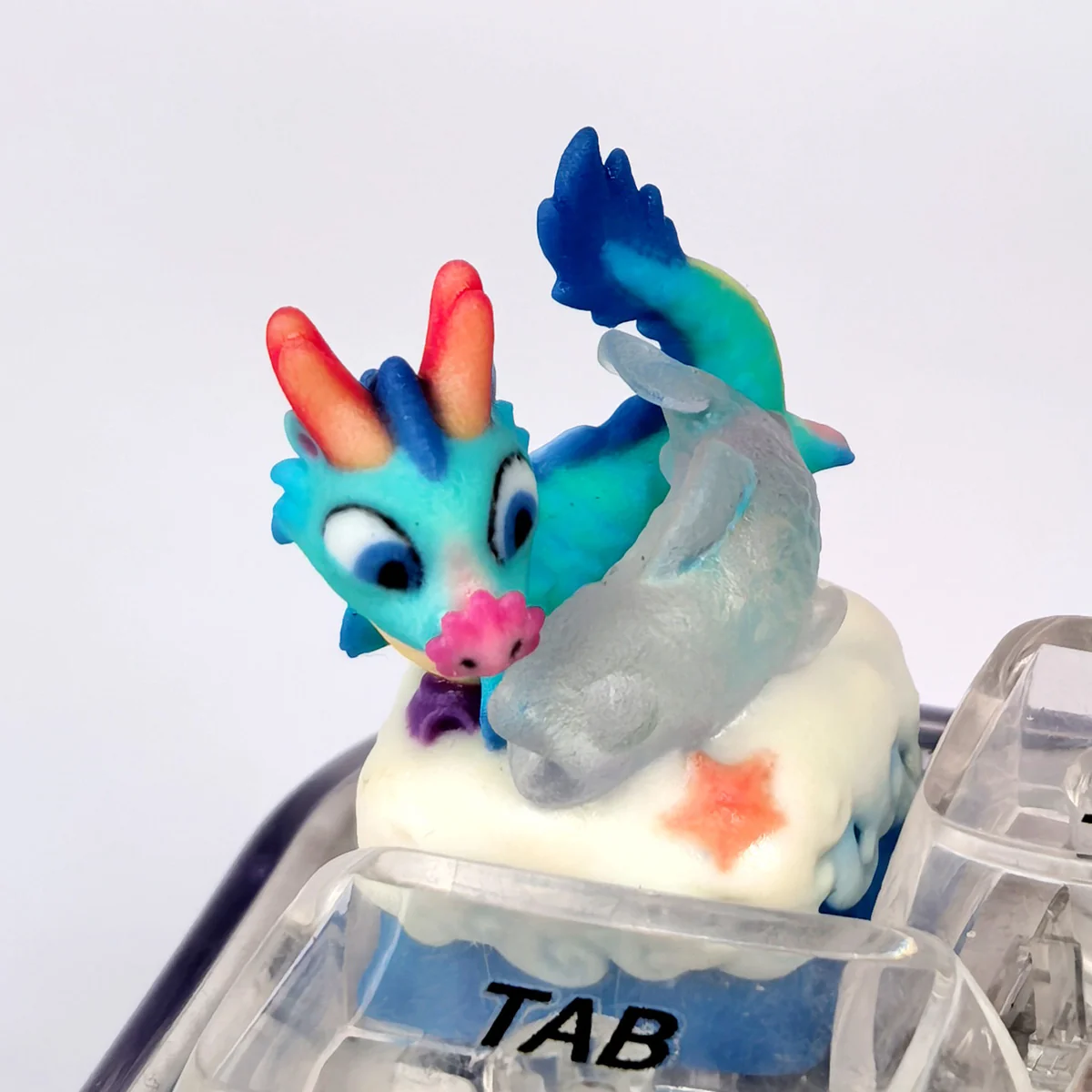
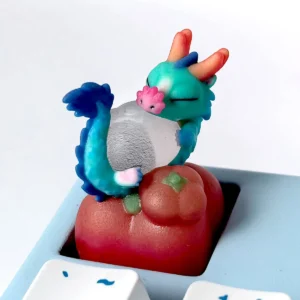
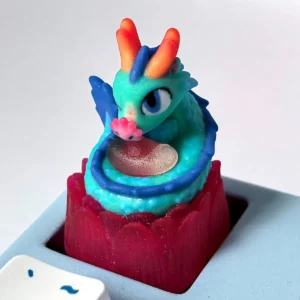
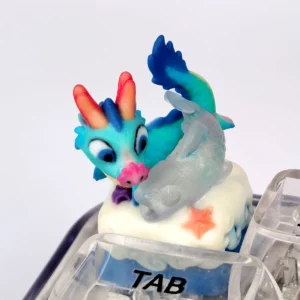
The Azure Dragon Artisan Keycap brings mythical elegance and fantasy-inspired artistry to your mechanical keyboard. Designed as a single handcrafted resin keycap, it features a translucent dragon sculpture that creates a striking focal point on any keyboard build. Its detailed design, OEM-profile shape, and MX-style stem make it an appealing choice for artisan keycap collectors and enthusiasts who appreciate unique decorative accents. Whether you are creating a fantasy-themed setup or adding a statement piece to your existing keyboard, this dragon keycap combines imaginative craftsmanship with collectible appeal.
Craftsmanship
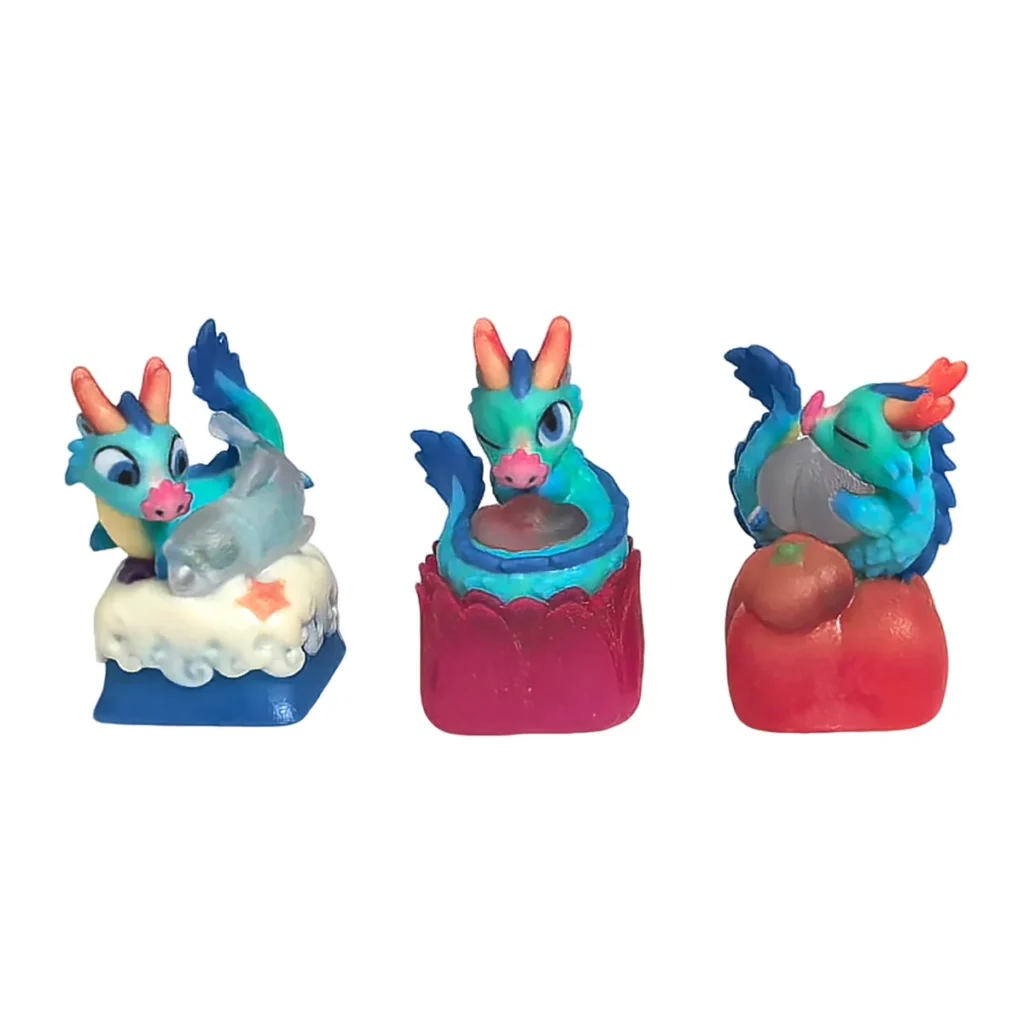
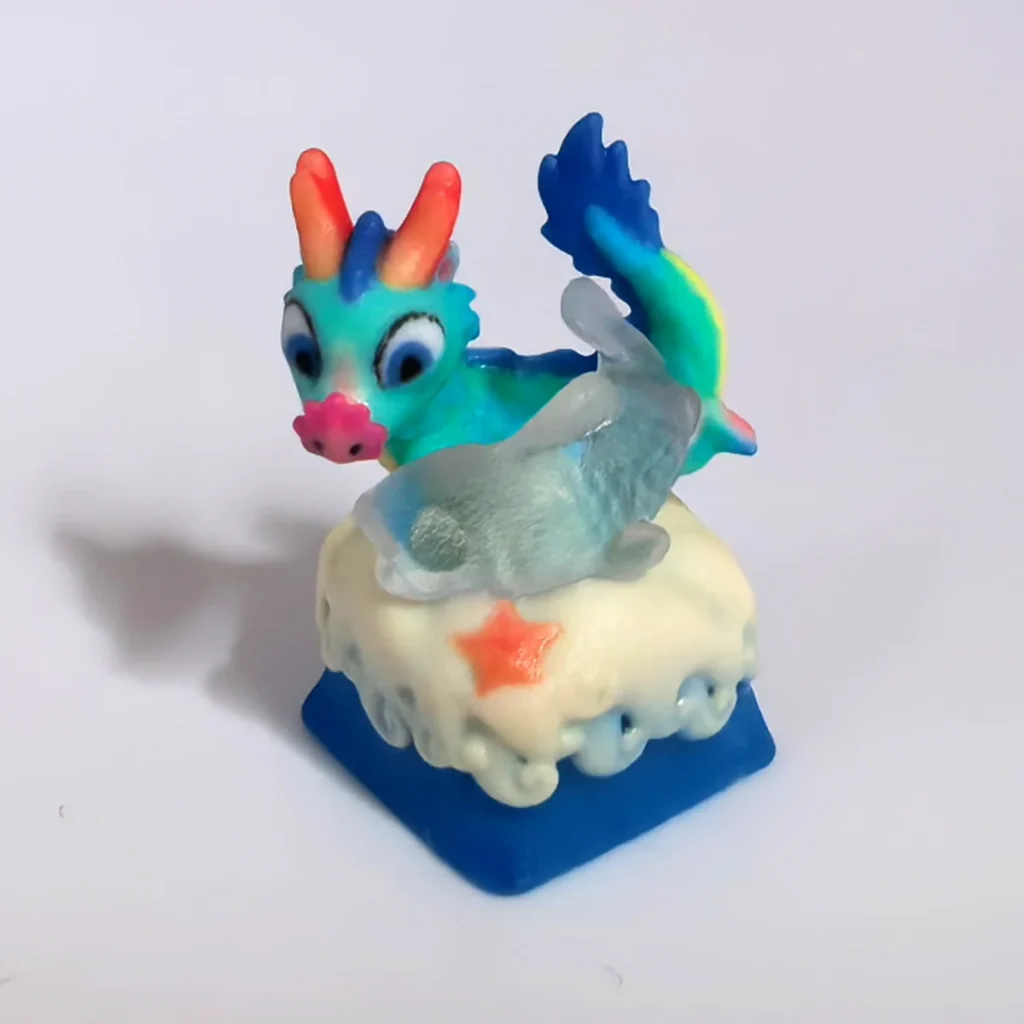
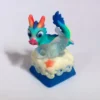
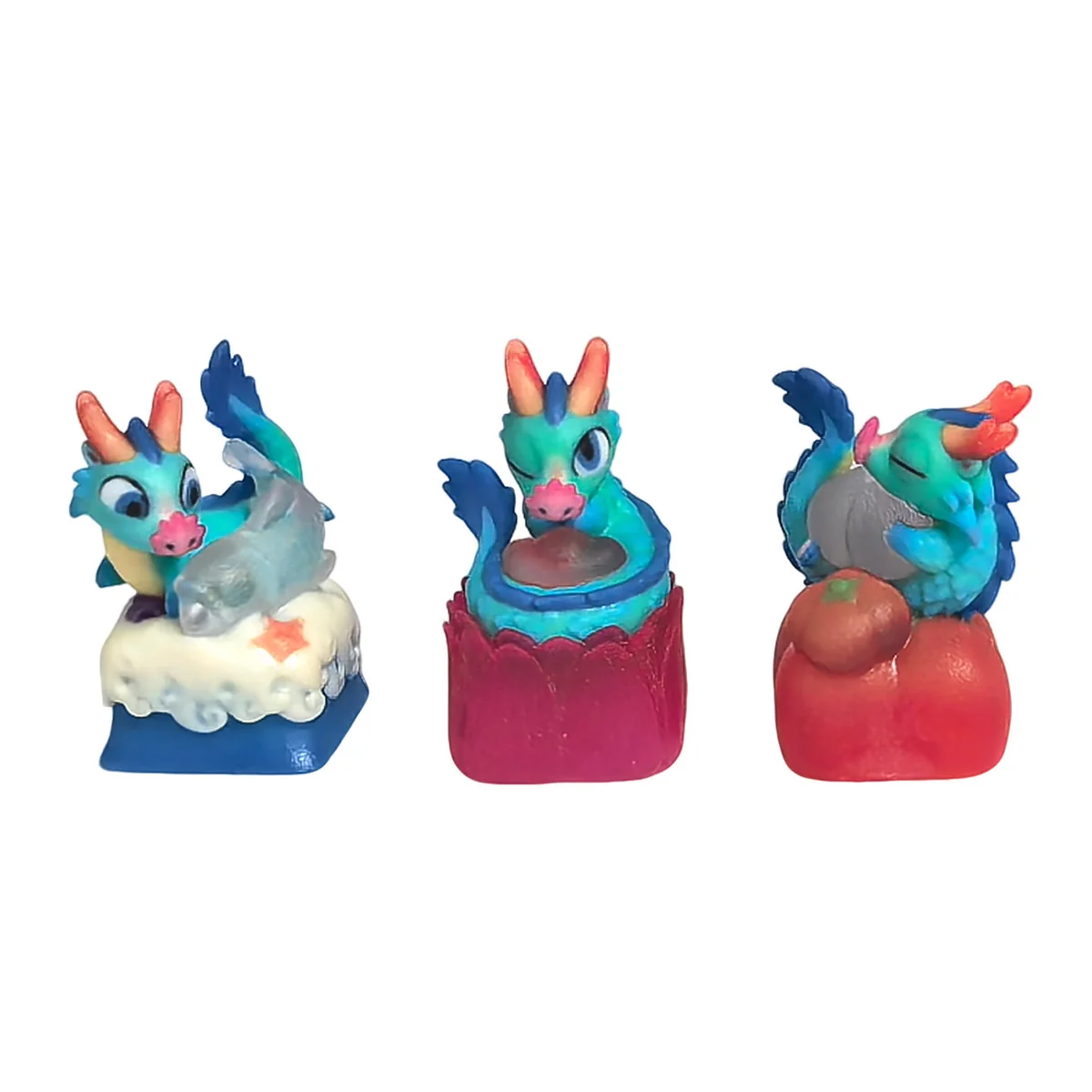
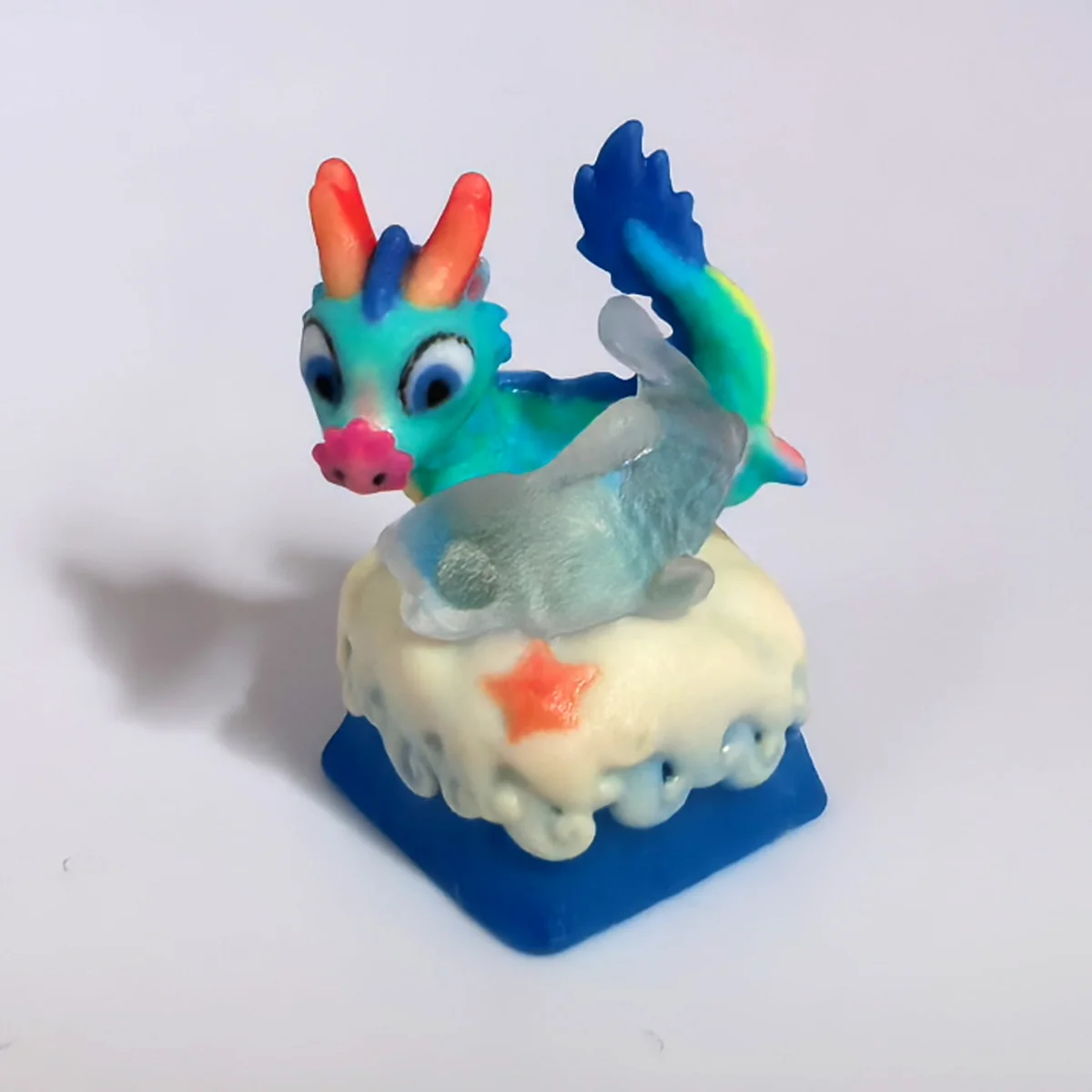
Carefully handcrafted from resin, the Azure Dragon Artisan Keycap showcases intricate sculpted details inspired by the mythical dragon, including layered scales, distinctive horns, and delicate claws. Its translucent resin construction adds depth to the design, allowing light to interact with the sculpted details and create an eye-catching visual effect. Additionally, the handcrafted process gives every piece its own character, with slight variations in colour tone, surface finish, and decorative details. These subtle differences make each keycap a distinctive artisan creation rather than an ordinary mass-produced accessory.
Collector Value
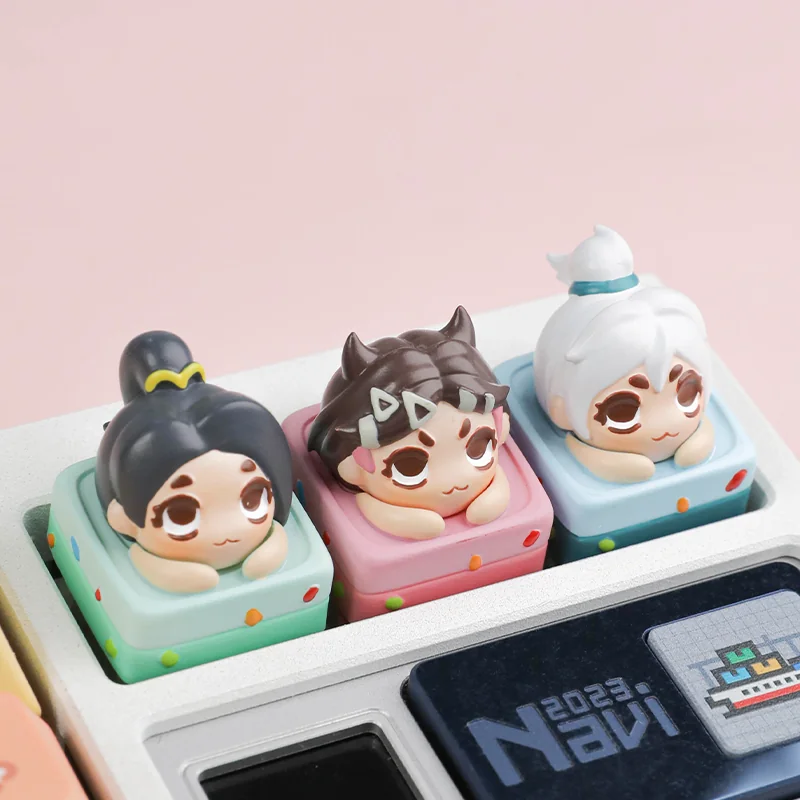
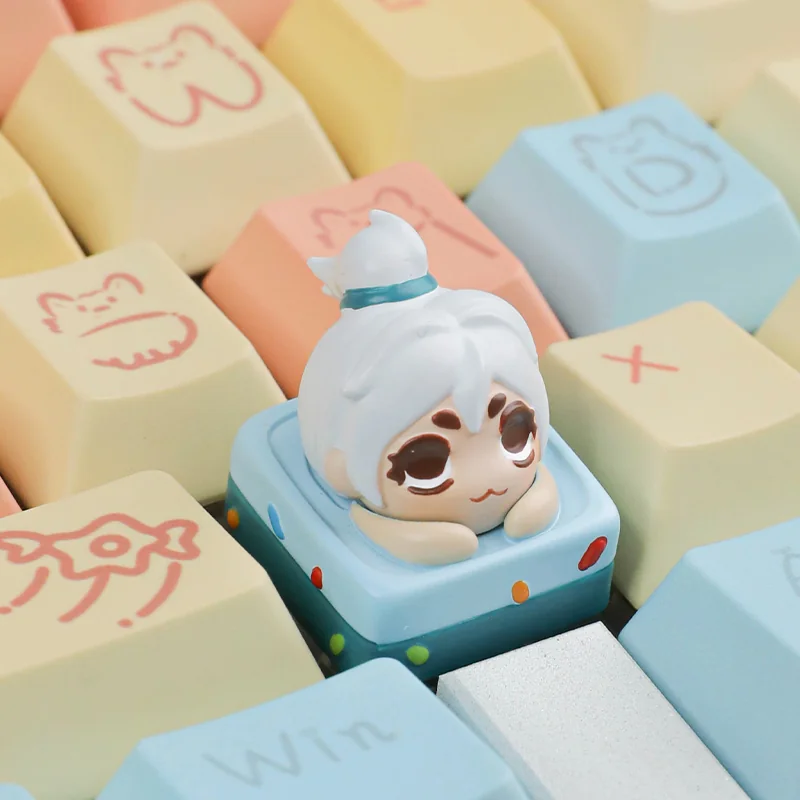
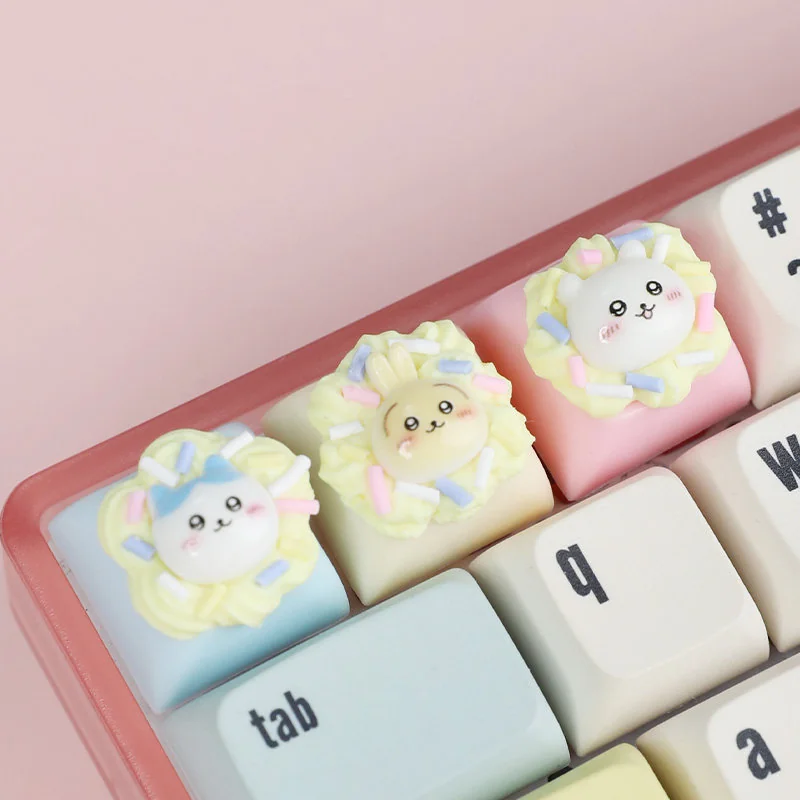
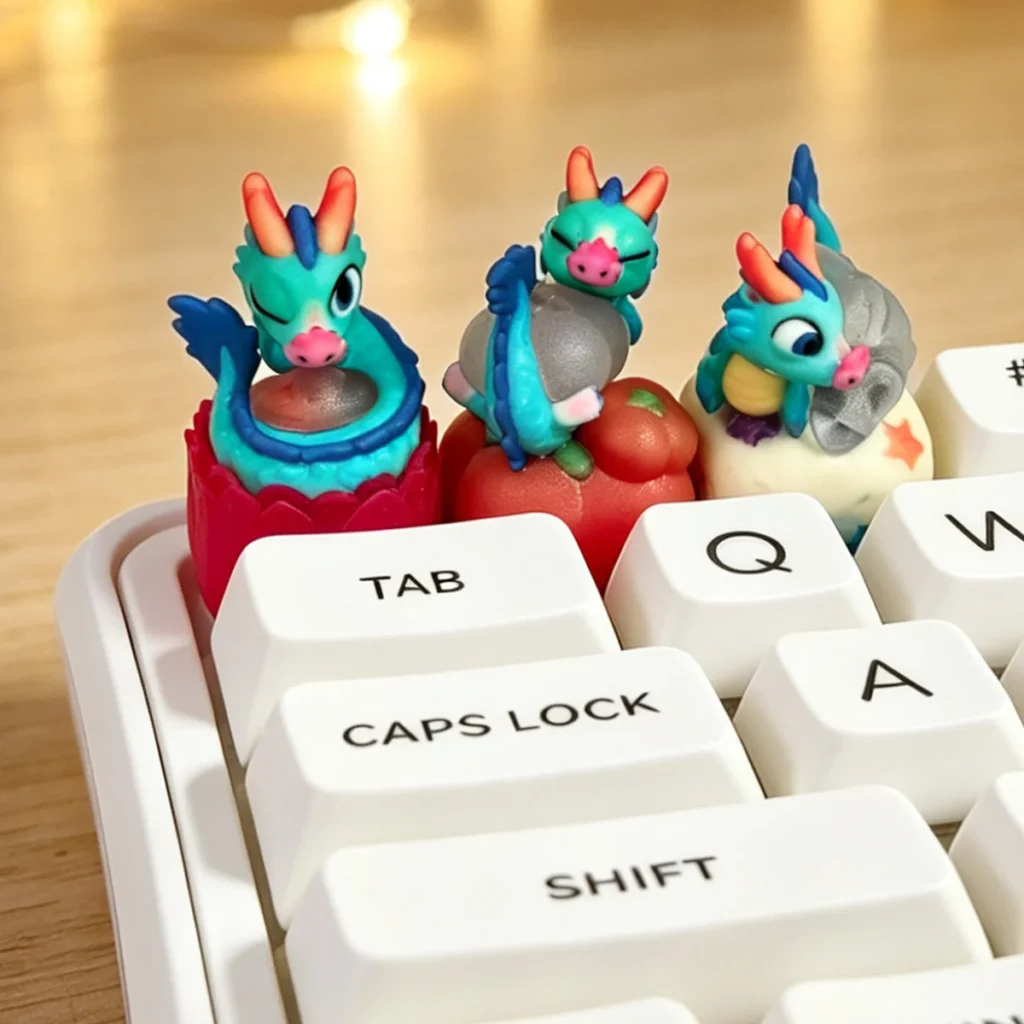
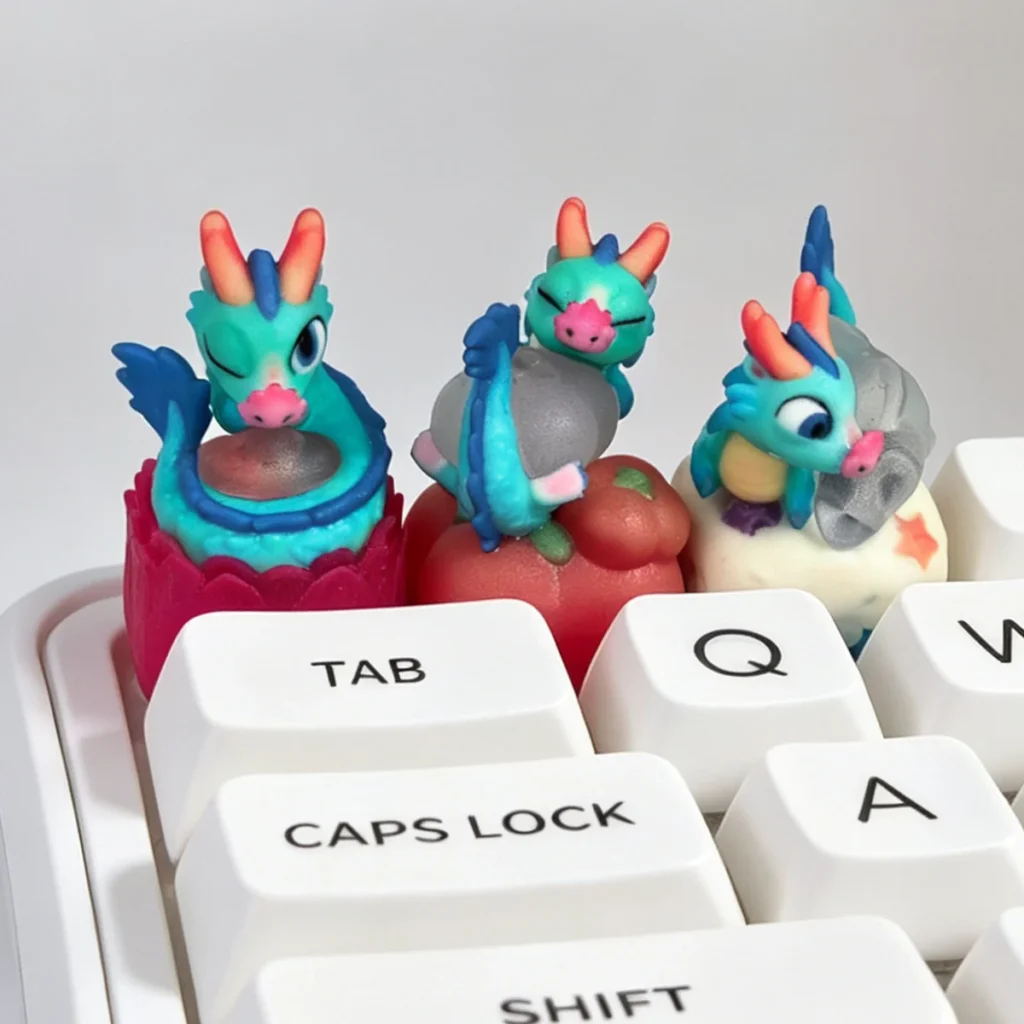
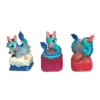
Available in three designs — Style 1, Style 2, and Style 3 — the Azure Dragon Artisan Keycap offers different interpretations of a mythical dragon theme. Its fantasy-inspired appearance makes it a wonderful addition to dragon collections, anime-inspired keyboard builds, and personalised mechanical keyboard setups. Furthermore, the translucent sculpt and handcrafted details help it stand out from standard keycaps, making it an ideal accent for collectors who enjoy unique artisan designs. Whether displayed on your ESC key or featured as part of a themed keyboard, this dragon sculpture adds a touch of mythical character to your collection.
Full Specs
| Material | Resin |
| Profile / Row | OEM profile |
| Key Size | 1u |
| Stem Compatibility | MX-style mechanical switches |
| Crafting Method | Handcrafted sculpt and resin casting |
| Legend / Finish | Translucent dragon sculpt with sculpted detail |
| Layout Compatibility | Standard MX-style mechanical keyboards |
| Key Count | 1 keycap |
| Options | Style 1, Style 2, Style 3 |
Fit & Care
Designed with a standard MX-style cross stem and 1U size, the Azure Dragon Artisan Keycap fits compatible mechanical keyboard switches. Its OEM-profile shape makes it suitable for matching keyboard layouts, although you should check surrounding keycap heights and clearance before installation. Align the stem carefully and press evenly into place; use a keycap puller when removing it. To maintain the resin finish, clean gently with a soft, dry or slightly damp cloth. Avoid harsh solvents, excessive heat, and prolonged direct sunlight to help preserve the translucent appearance and intricate sculpted details.
Shipping
Estimated Shipping: Within 5-8 working days.
Pros & Cons
| 🟢 Pros | 🔴 Cons |
|---|---|
| Handcrafted 3D dragon sculpt | Single keycap only; keyboard not included |
| Translucent resin adds depth and light interaction | Handmade resin may show minor finish variations |
| OEM profile and MX-style stem compatibility | Backlight glow depends on keyboard lighting and resin opacity |
| Three style options for collector preference |
FAQ
What is an Azure Dragon artisan keycap?
It is a decorative single keycap sculpted in a dragon design and cast in translucent resin for mechanical keyboards.
Is this a single keycap or a set?
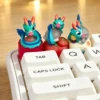
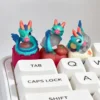
This listing is for one artisan keycap. The keyboard and other keycaps shown in lifestyle images are not included.
Will it fit my mechanical keyboard?
It is designed for MX-style stems and OEM-profile layouts. Check your keyboard’s switch stem and keycap profile before ordering.
Is the resin translucent and will it glow with backlighting?
The resin is translucent and can interact with keyboard lighting, but the visible glow depends on your backlight brightness, switch type, and the keycap’s resin density.
How do I clean and maintain the keycap?
Remove it with a keycap puller and wipe with a soft dry cloth. For light marks, use a slightly damp cloth and dry immediately. Avoid solvents and high heat.